Supporting the weight of a gimbal has been done by in a variety of ways, but the latest trend is being coined as exoskeletons. There are a few already available, but Tilta - known for making exceptional camera rigs, has an exoskeleton Gimbal Support Vest called the Armorman. Two mechanical ISO Arms (similar to steadicams) are attached to the arms of the operator to carry heavy gimbal setups.
One unusual feature is a V-Lock battery plate attached to the rear of the vest. Possibly to run power to your camera setup while relocating that battery weight off the stabilizer.
Asking price is about $2300+ US dollars. The vest has been shown around the web for some time, but this is the first time i've seen it available on eBay (click here).
DJI has just announced the new Phantom 3 Quadcopter this morning. Many of it's features are similar to the more expensive Inspire1 including Lightbridge to stream and HD Feed from the 4K camera stabilized on a 3 axis gimbal. Visual Positioning sensors under the craft allow you to fly indoors without GPS. BTW, GPS has also been upgraded to track more satellites for more accurate positioning. The motors have been ugpraded for more power but still allowing up to 23 minutes of flight time. [Unfortunately if you plan to upgraade, the old Phantom batteries won't work]
Product Description:
A complete 4K camera and 3-axis gimbal system come integrated with the Phantom 3 Professional edition quadcopter from DJI. In addition to video, the camera is capable shooting up to 12MP still photos using JPEG or non-proprietary DNG RAW format. The three axes of the gimbal give you pan and tilt control, and keep the horizon line level even as the aircraft banks. Different gimbal settings allow the camera to lock onto a fixed subject, be moved manually using transmitter rotaries or the app, or to simply provide camera stabilization.
Already available for pre-order and for additional specs and information about the new DJI Phantom 3 Quadcopter with 4K Camera, visit the full product page via DJI.com (click here).
DJI Phantom 3 with 4K Camera + Gimbal + Lightbridge HD + Visual Positioning
Here's a step by step balancing video I shot when the CAME-MINI Gimbal first arrived at the studio. The first camera I attempted to balance was the GH4 + 12-35mm F/2.8 Lens. Without tool-less adjustments and a super compact frame, balancing a camera for the 'first time' may take at least 10-15 minutes.
Now that i've had CAME-MINI Gimbal for more than a week, it's pretty much everything I expected. Feels like great build quality, works very smooth, super portable, lightweight, and compact. But of course with such a compact gimbal, you'll naturally run into limitations of what camera and lens you can actually use. Even though the front mounted frame can be removed to support a slightly taller camera, and a larger lens, this doesn't mean this will be the ideal gimbal for that setup.
Now i'm sure there will be people attempting all types of heavy setups, and maybe you can prove me wrong, but my general recommendation is that if you have to use a lens adapter this is probably not going to be a good gimbal for you. If you're working with a GH4 | A7s | BMPCC body with a lightweight native lens (that you don't have to swap often), the CAME-MINI Gimbal makes for a great compact stabilizer.
Unlike the even smaller handheld systems, this is of course a 32 bit Dual IMU Sensor gimbal. So it's got all of the latest and greatest firmware for stability and PID tuning. If you have to travel with a more compact size, the entire top handle can be removed from the lower frame, the top handle can be removed, and the side handles can be removed as well.
The system uses 18650 Batteries, and while I thought this might be a task to get spares, I purchased this set of 18650 Ultrafire batteries + 2 chargers, and they work perfectly. The system runs for about 1 hour on stock batteries, but my set of batteries have double the capacity and i'm hoping they will run for about 2 hours.
Lately, Canon's been criticized for being behind the times and late to the 4K compact camera game. Today they've introduced the Canon XC10 which looks like someone threw a Canon C100 in the dryer and shrunk it. Looking at the video below, you get the feeling that it's not really being pushed as a serious camera for professionals, and are sort of marketing this as a perfect 'B-Roll' camera Cinema EOS operators, or a gateway camera for DSLR stills shooters looking to get into 4K video.
At 4K the Canon CX10 can uses a completely new Canon Codec which they call XF-AVCS. This is an Intra Frame Compression, basically every frame has full video data and information. At 12 stops dynamic range and a high data rate, it's seems like a darn good camera, but in typical Canon fashion, it's limited by not having an interchangeable lens.
The 10x 8.9-89mm (27-270mm equivalent) F/2.8 - F/5.6 10x Zoom lens is fixed to the body. If you look at this as a true camcorder, a fixed lens is pretty standard. I think it would have been more revolutionary had they made this an ILC and threw in a basic kit lens for the starters.
Even though this may not be a a professional camera system, it does require CFAST cards to shoot full 4K resolution (not compact flash). It's not very clear what CFAST rating is needed, but I can tell you this is a very expensive card. A basic 32GB Lexar CFAST card will run you about $180 dollars if you require 2.0 speeds. If all that is needed is 1.0, then the Atomos 128GB CFAST would be a better buy. Wouldn't it be great if they could just ouput the 4K from the sensor? From how they mention CFAST on video, I'm guessing they'll be limiting this feature too.
There does appear to be a Mic input and a Headphone Out port which is good news. But with a 1" sensor, fixed lens, and most likely no HDMI out to record to cheaper media, Canon doesn't seem to want to give it all up. Almost purposely crippling certain areas as to not cannibalize their higher end cameras. Sure, far from perfect, but if it's available for the rumored $2000-$2500 dollar pricepoint, this might be a Canon camera i'm interested in testing out. (I said testing out...)
I was lucky to get a BlackMagic Design URSA 4K Camera loaner from the DVEStore.com, so I decided to take my son out to the park and test it out. The URSA is capable of 4K 80fps, but because 4K 80fps requires a lot of data storage and a very fast card, I had to shoot this video at the lowest possible quality setting in 1080p ProRes Proxy. I also shot the whole piece handheld and my forearms were so cramped afterwards. This is a beast of a camera.
The card I was mainly using was the Atomos 128GB 1.0 CFAST Card which will only work with many of the lower quality and lower framerate settings. Trying other compression settings just continued to have dropped frames, and the only thing that worked well for 80fps was ProRes Proxy in 1080p. For lenses, I only used the Sigma 18-35mm as this is not a full frame sensor camera it works perfectly.
I know this camera is far better than what I can currently get out of it so I'm hoping to get another card that will allow me to shoot at least at 4K Compressed RAW at 80fps. The next step up to utilize more of URSA's power is to shoot with a Lexar 2.0 CFAST Card which is not very cheap.
Varavon's latest Armor II Camera Cage takes a bold unique approach to mounting your video accessories. Around the cage system and top handle are a total of four (4) 15mm Clamps allowing you more options to attach a variety of accessories. Often mounting to a 15mm Rod is better than a variable friction arm that may spin loose from a 1/4" threaded mount, and then there is the benefits of speed assembling and disassembling rigs when using 15mm clamps.
The Varavon Armor II offers an anti-twist base when the camera is installed, HDMI and Audio Cable Locks, and an HDMI Cable Pinch. The Top handle provides several 1/4" threaded mounting points, a cold shoe mount, and (2) 15mm rod clamps. Around the cage you'll also find more than a dozen 1/4" and 3/8" threaded mounts.
Includes an HDMI adapter, Leather Handstrap, (1) 15mm Carbon Rod, and Chest Pad to be used as a shoulder stock for stability. The new Armor II cages will be available for select Canon, Panasonic, Sony, and Samsung cameras found at Varavon's website (click here).
Varavon Armor II Camera Cage Systems Designed with 15mm Rod Clamps
Just about every single person I know who travels with equipment has at least a Pelican 1510 Rolling Hard Case. It's Carry-On size makes it perfect for bringing your gear onto a flight without having to risk damage or having it lost from baggage handlers.
A while back I purchased some pluck-foam inserts for my Pelican cases, but noticed I was not using them as much. Once pluck-foam is customized, you really can't make use of the hard case for an entirely new set of equipment - unless you purchase new pluck foam.
I love my Pelican cases, but they are too expensive to just be laying around and dedicated to one thing. I needed a better, easier, more modular organizing system. Of course there are padded dividers which use velcro to move around, but there's something far better out there and it's called TrekPak. Check out the video below.
So while I can't say it's cheap, the value is what you get in the long run instead of having to buy endless amounts of pluck foam. You'll most likely end up using your cases more often and the inserts are easier to reconfigure than velcro organizers. The TrekPak inserts are incredibly modular allowing you to utilize every possible inch of storage in your hard case. Right now TrekPak has complete kits available for a variety of Pelican | Storm Hard Cases. You can find a full list of TrekPak Kits available via B&H (click here).
TrekPak Hard Case Organizer Insert Kits
If you're looking for a rock solid rolling hard case to take on a flight, you gotta take a look at the Pelican 1510.
Now someone mentioned about 'loose articles' floating around the bag. Don't forget you can always get cheap plastic Plano tackle boxes for small batteries and media cards, or even Padded Lens Cases to house and protect your small items like wireless receivers, cables, etc.
This package arrived earlier today. So far i've had the chance to unbox the CAME-MINI 3-Axis Gimbal and balance a Panasonic GH4 + 12-35mm F/2.8 OIS Lens. I've also managed to balance out my Rokinon 7.5mm Fisheye lens which is my personal little compact setup with this camera. I'm still working on a video about my first initial impressions, but if you have any questions, now is the time to ask.
The CAME-MINI feels solid, and you'll immediately notice the excellent build quality. To balance a camera on the CAME-MINI, it requires a hex tool for almost every adjustment, and the small frame means this will not work with heavier camera setups. Example: If you're thinking speedbooster and a Canon EF lens with a Sony A7s, this is not going to be the gimbal for you.
On the flip side, if you plan on using this with a GH4 and a small Lumix Lens like the 12-35mm it will work perfectly. Hopefully i'll have a video up after the weekend, but for more information take a look at the CAME-TV.com website (click here).
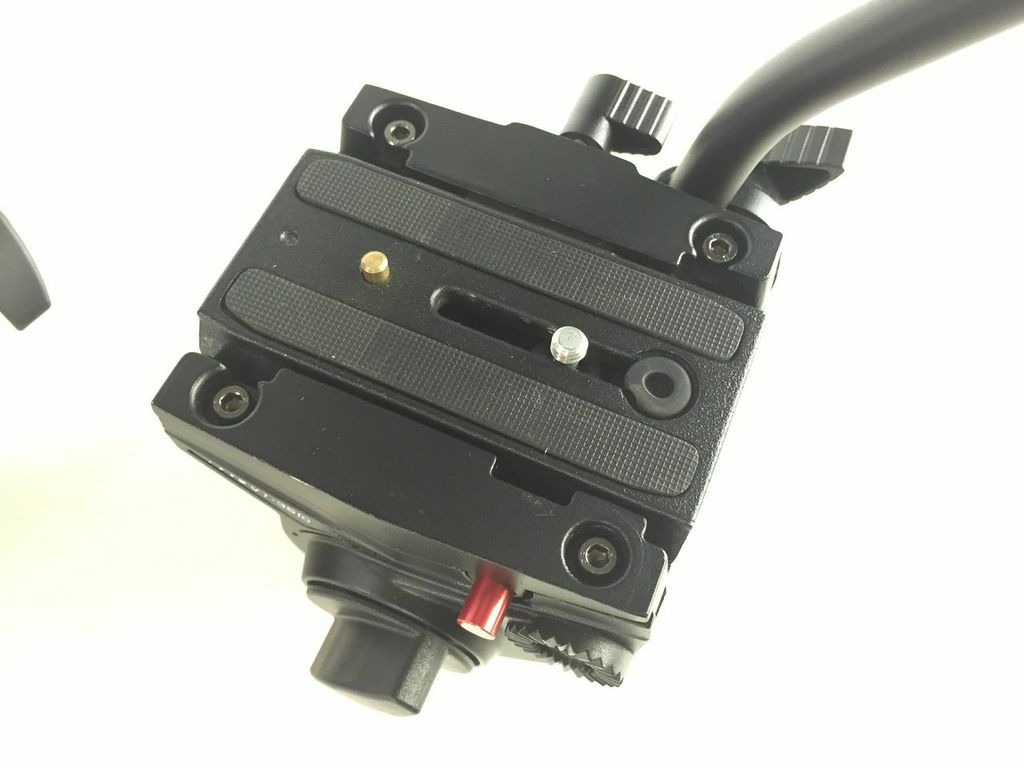
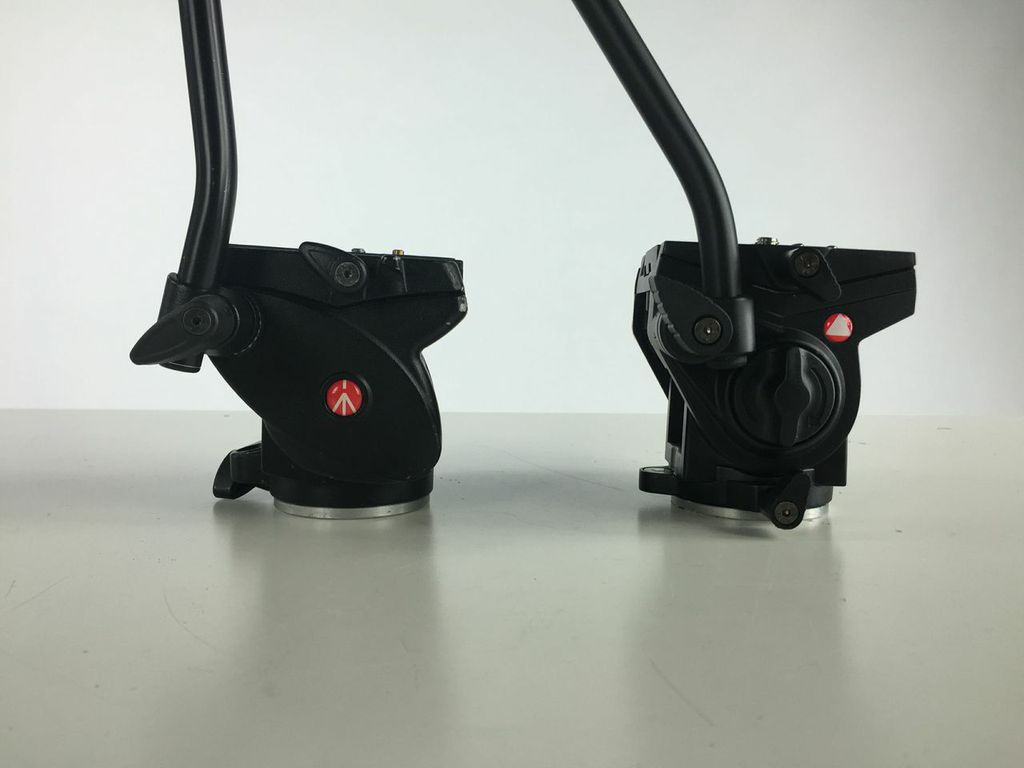
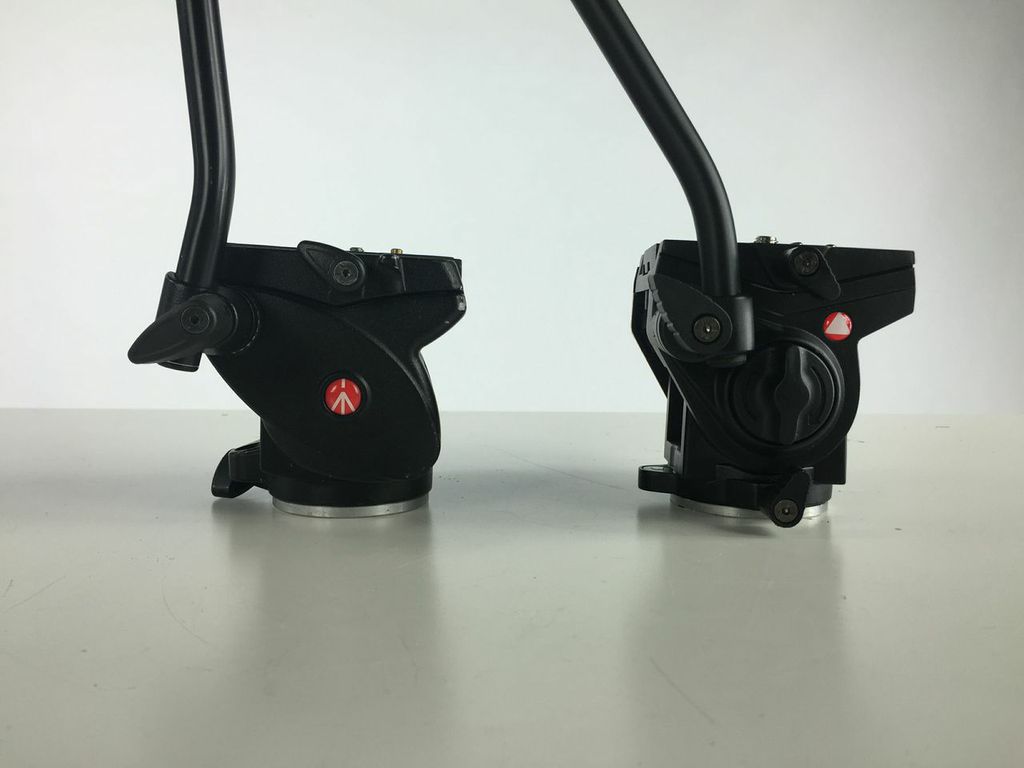
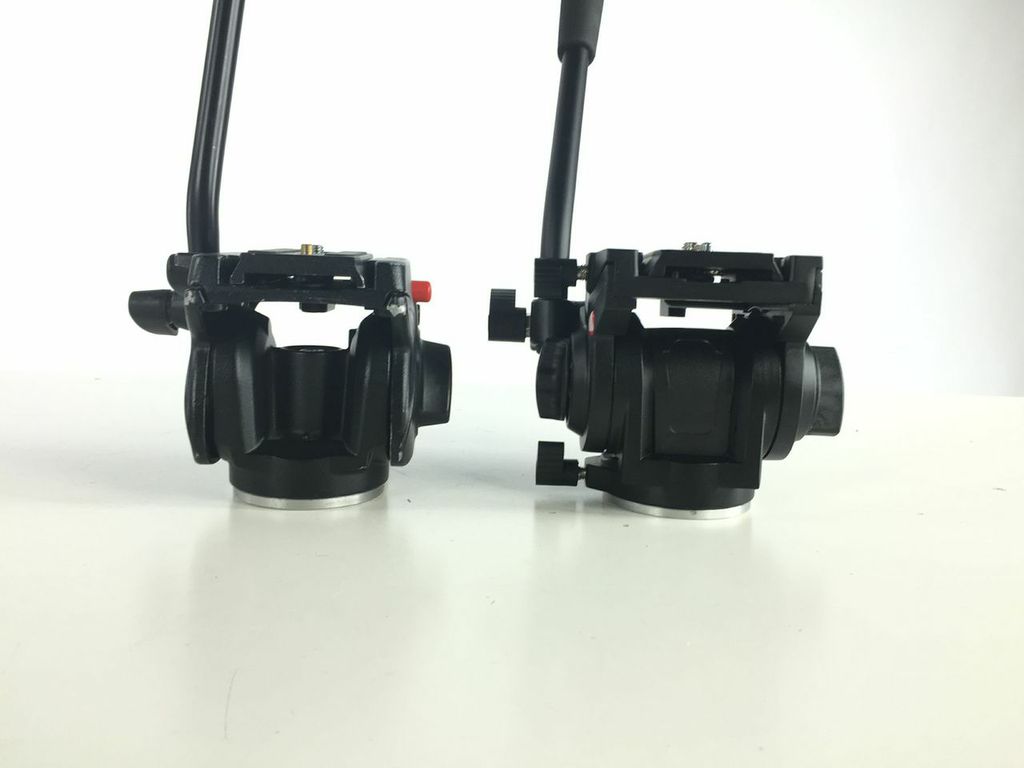
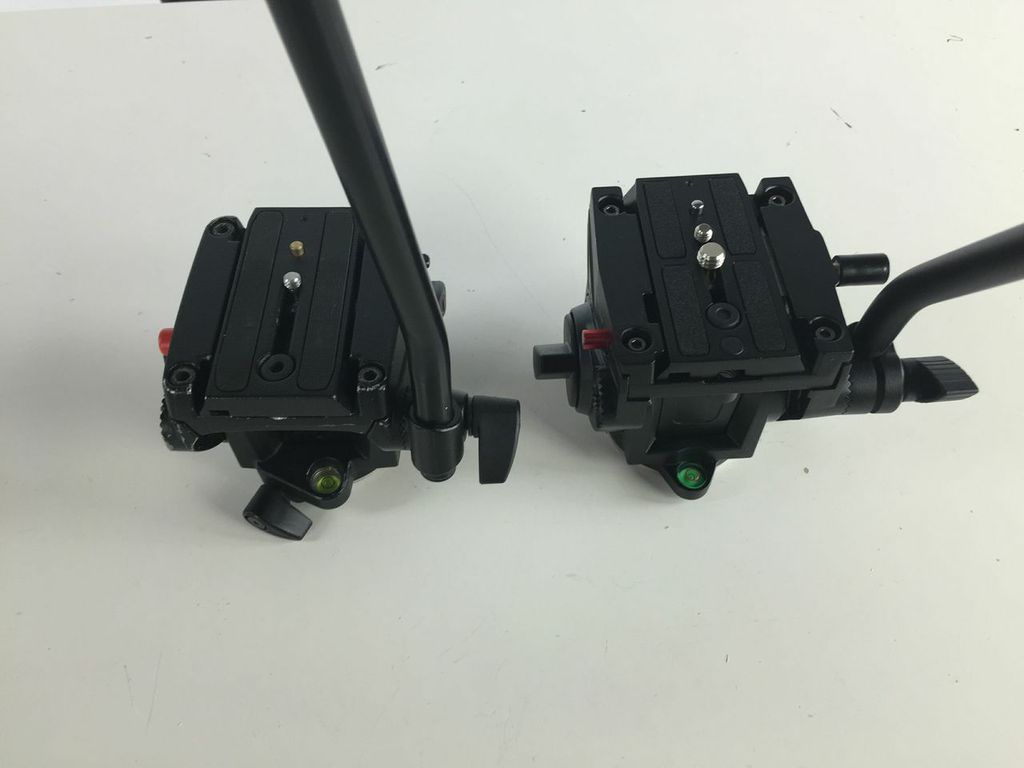
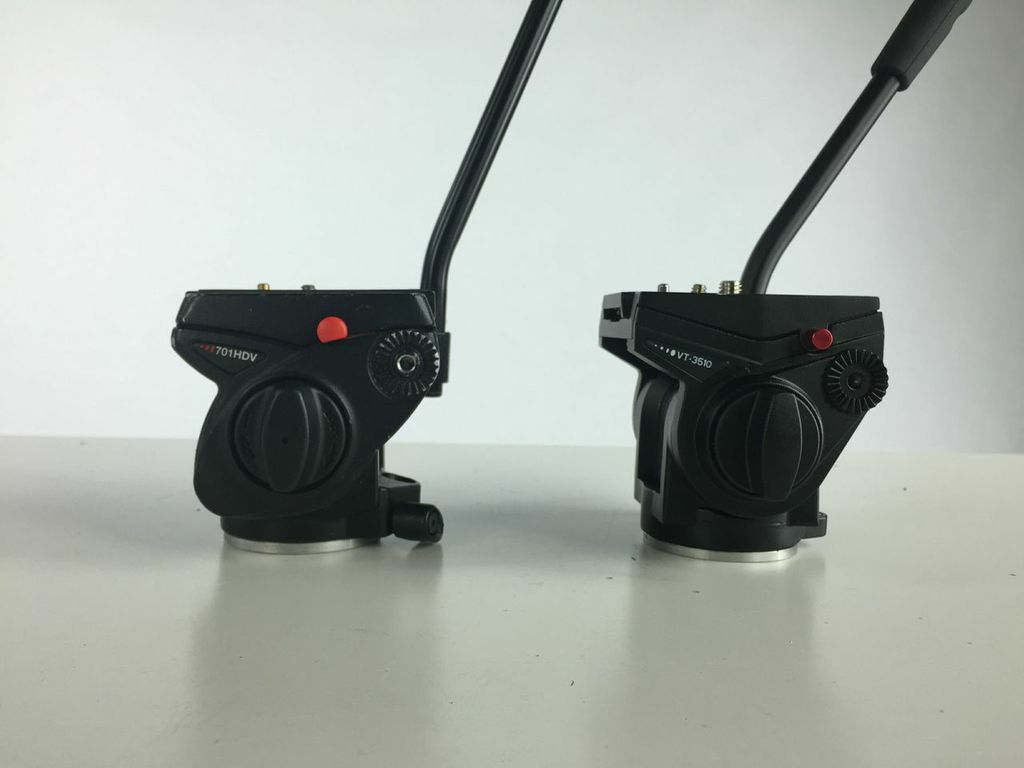
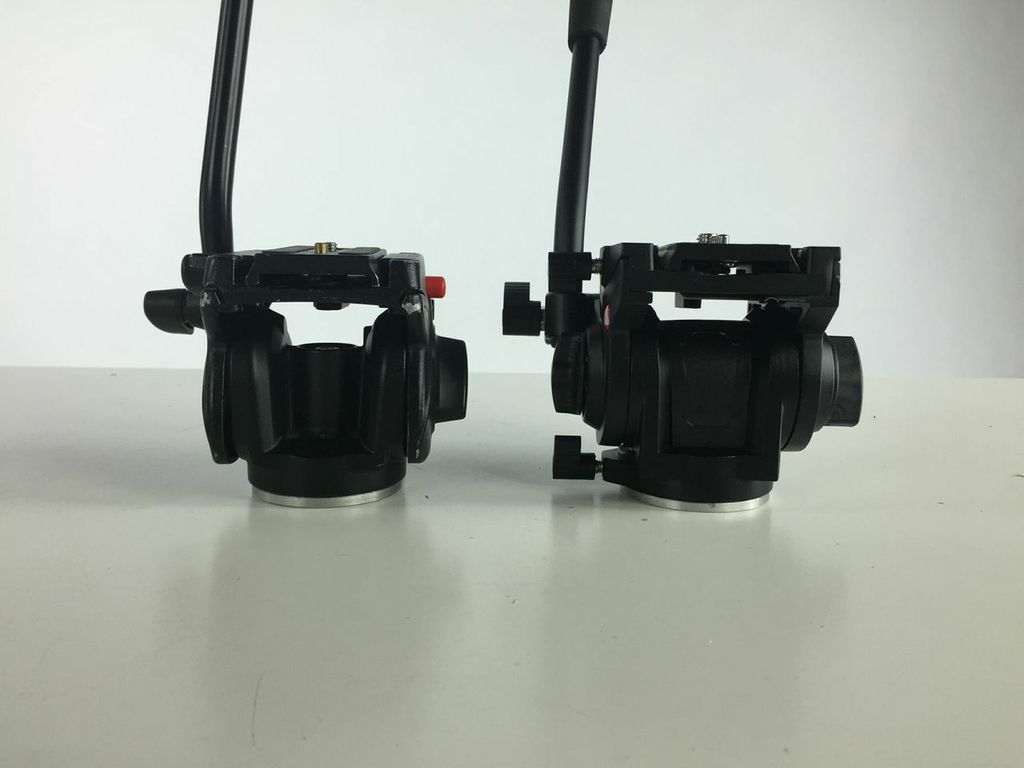
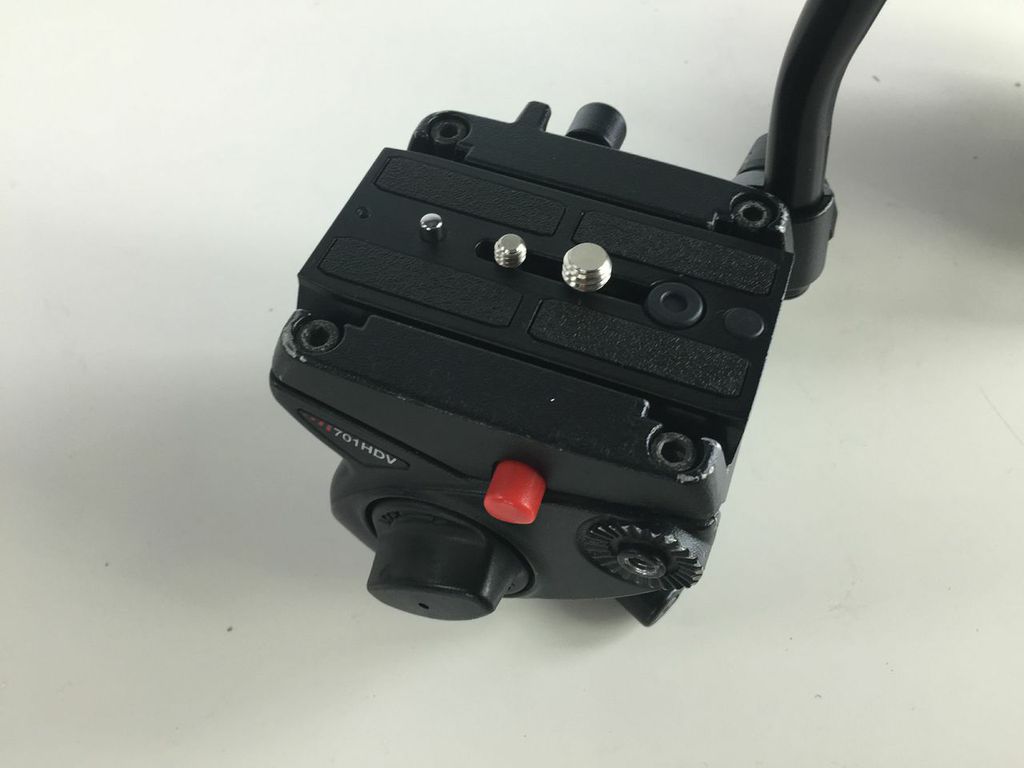
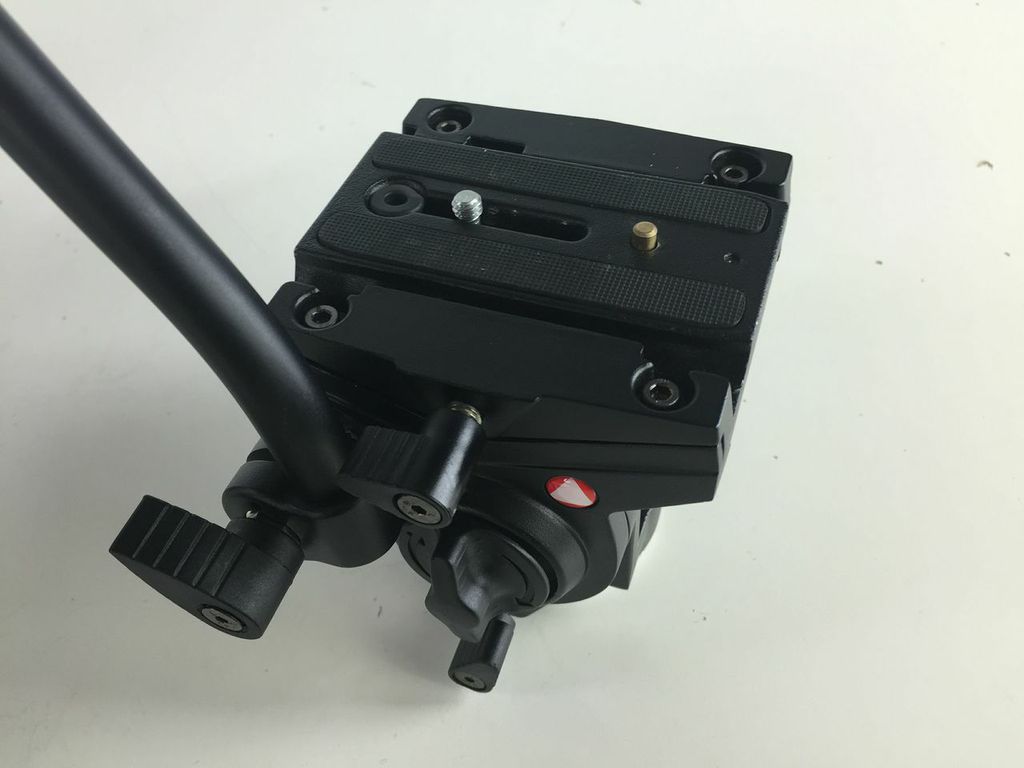
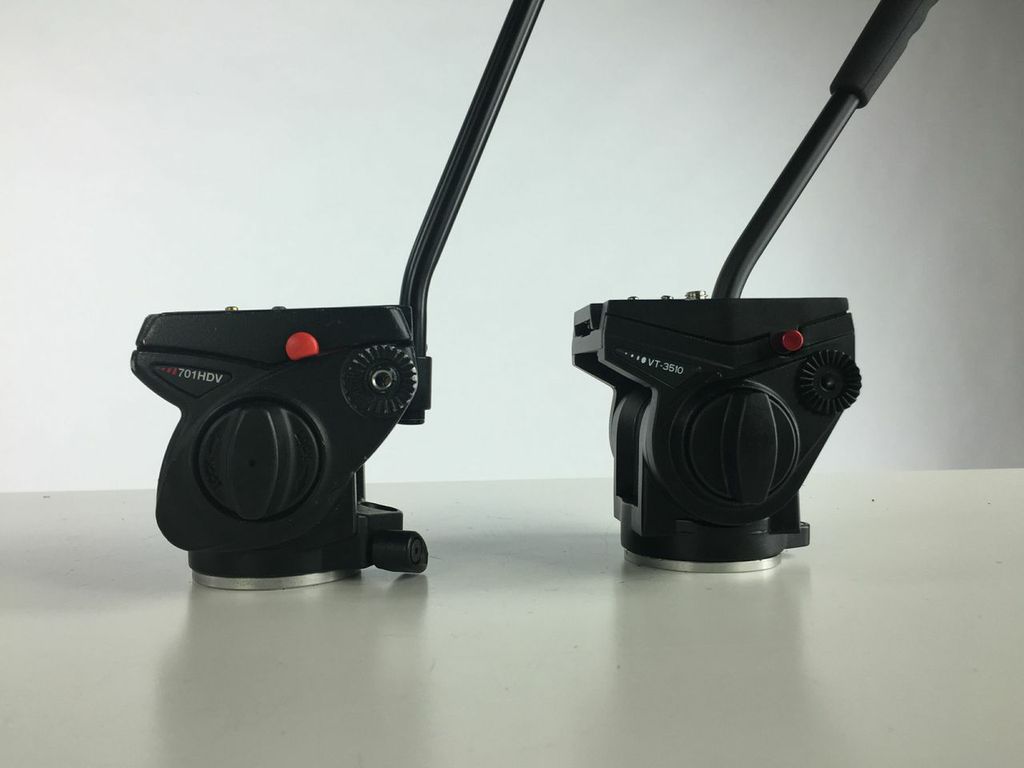
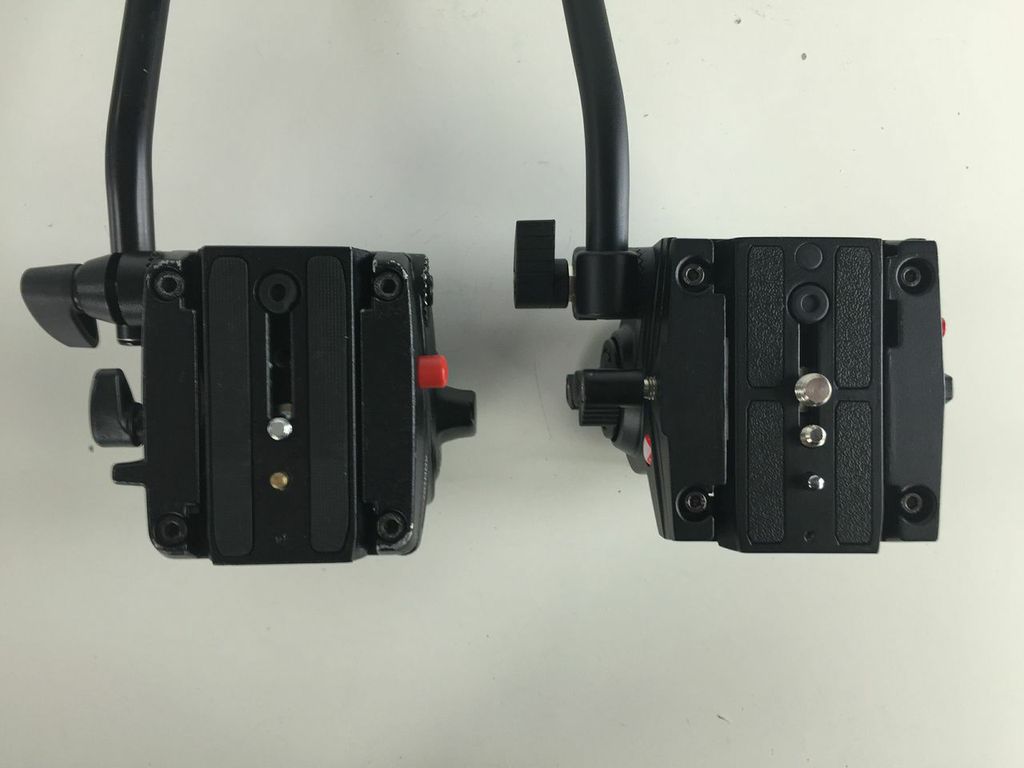
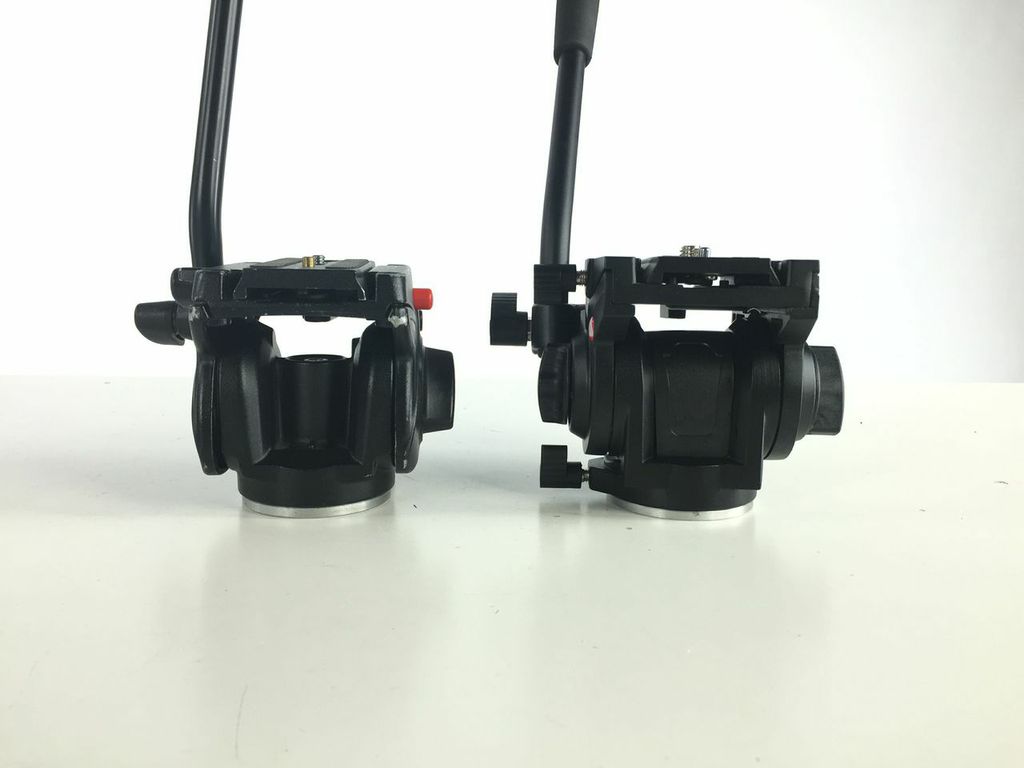
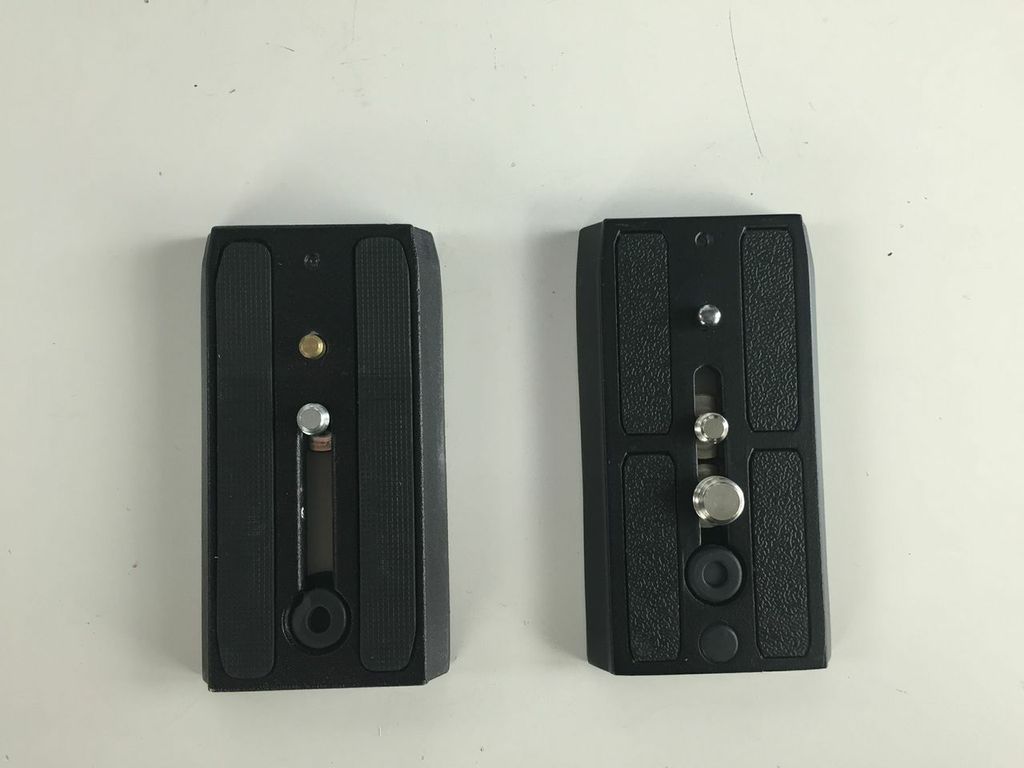
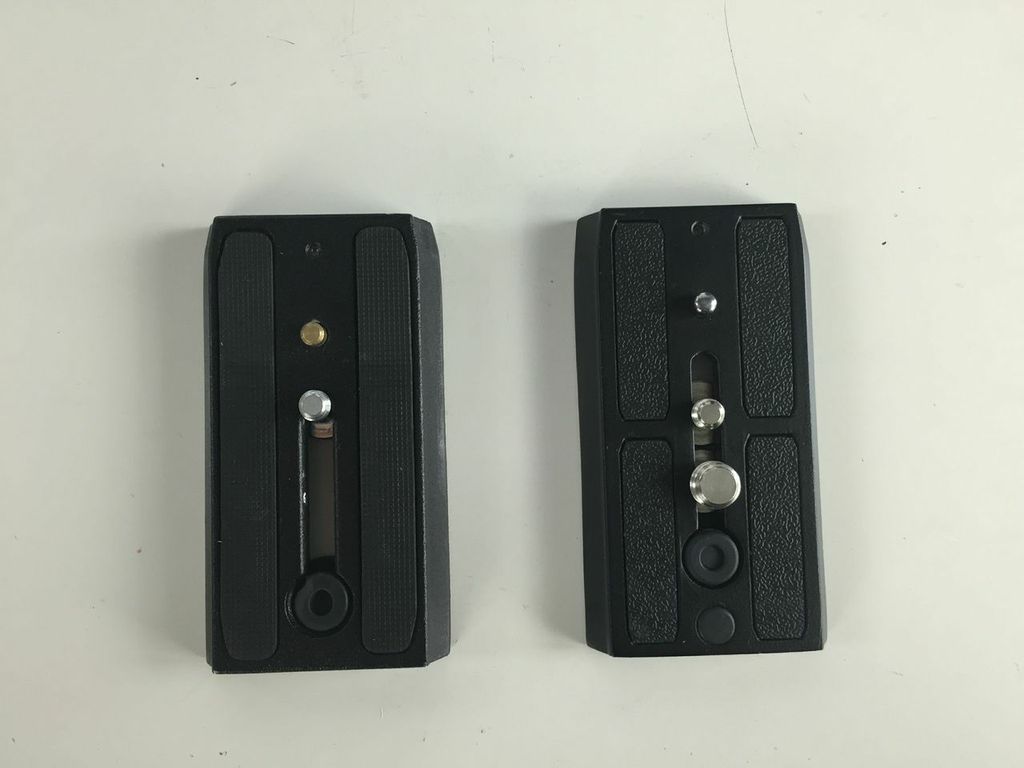
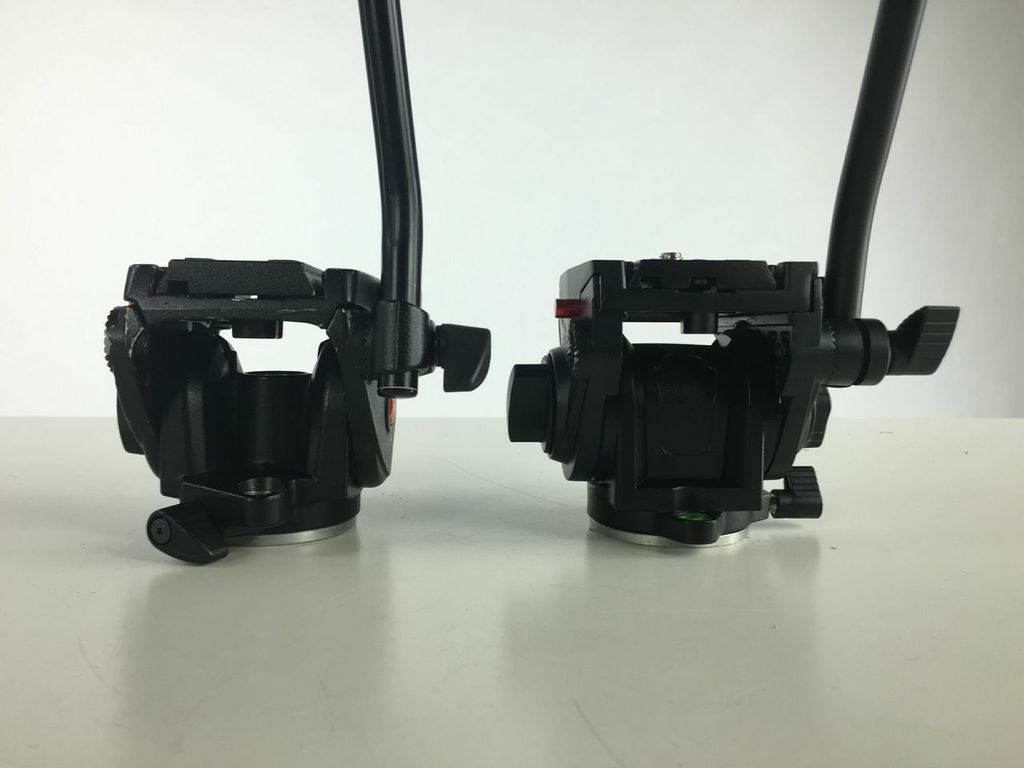
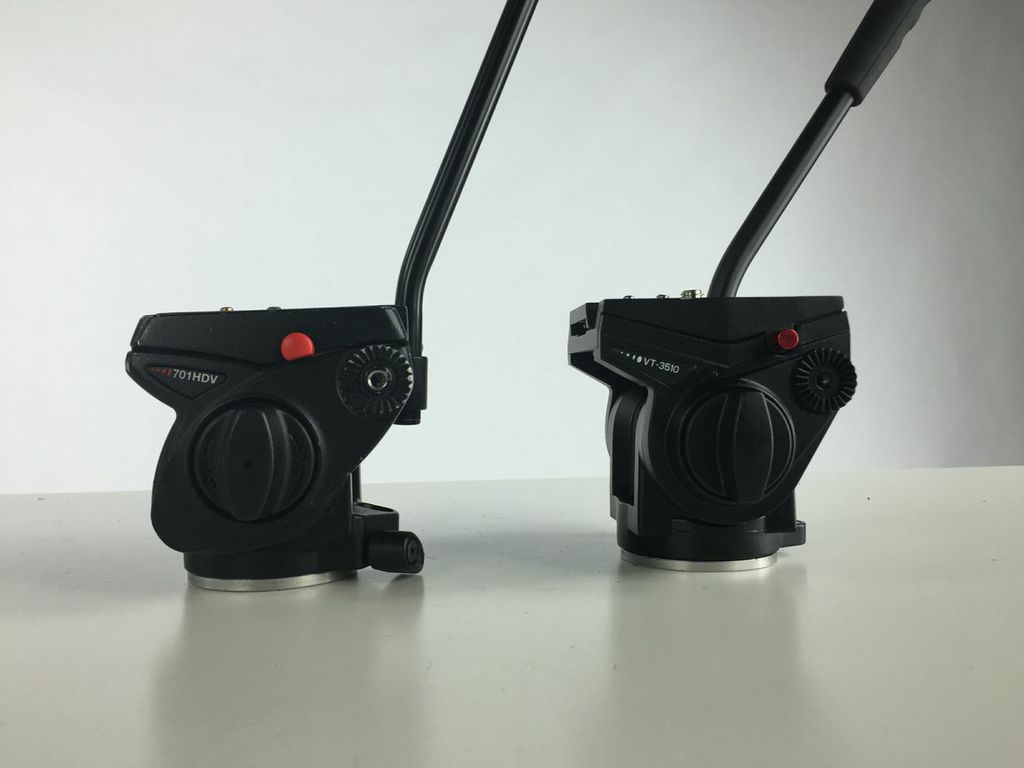
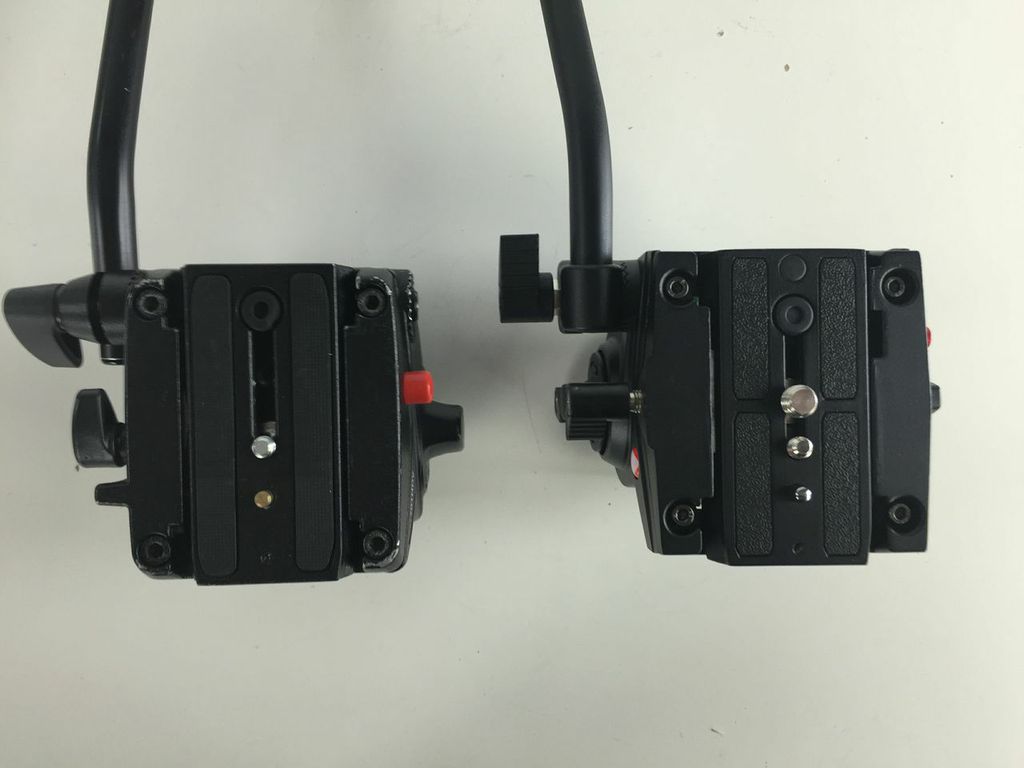
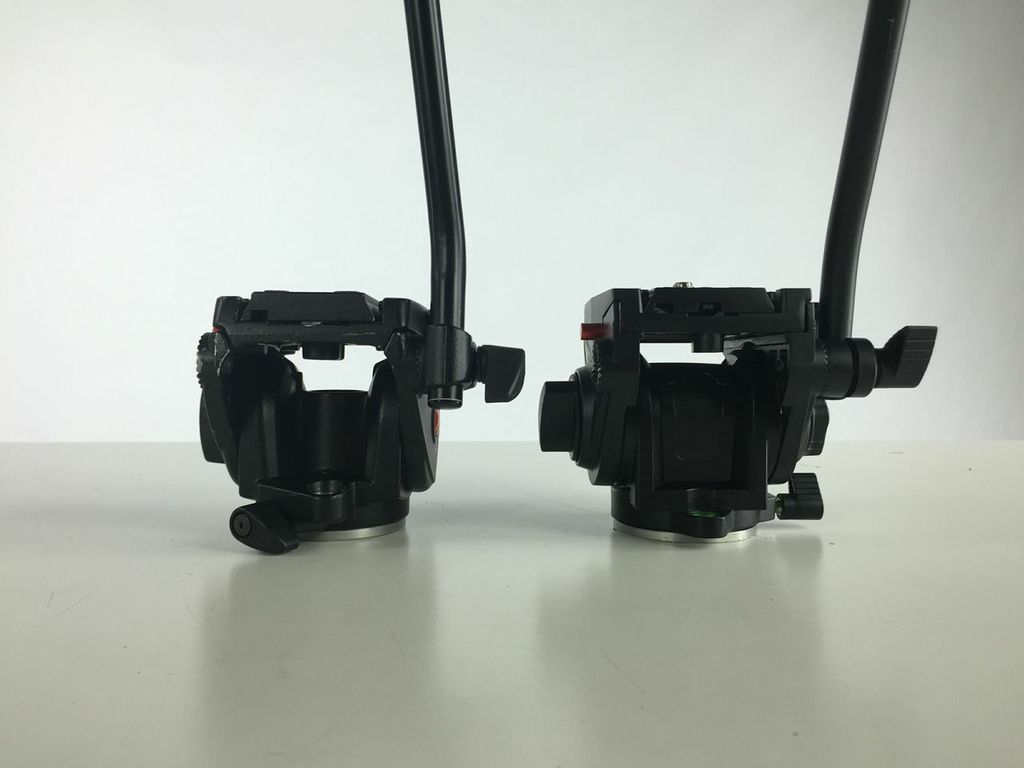
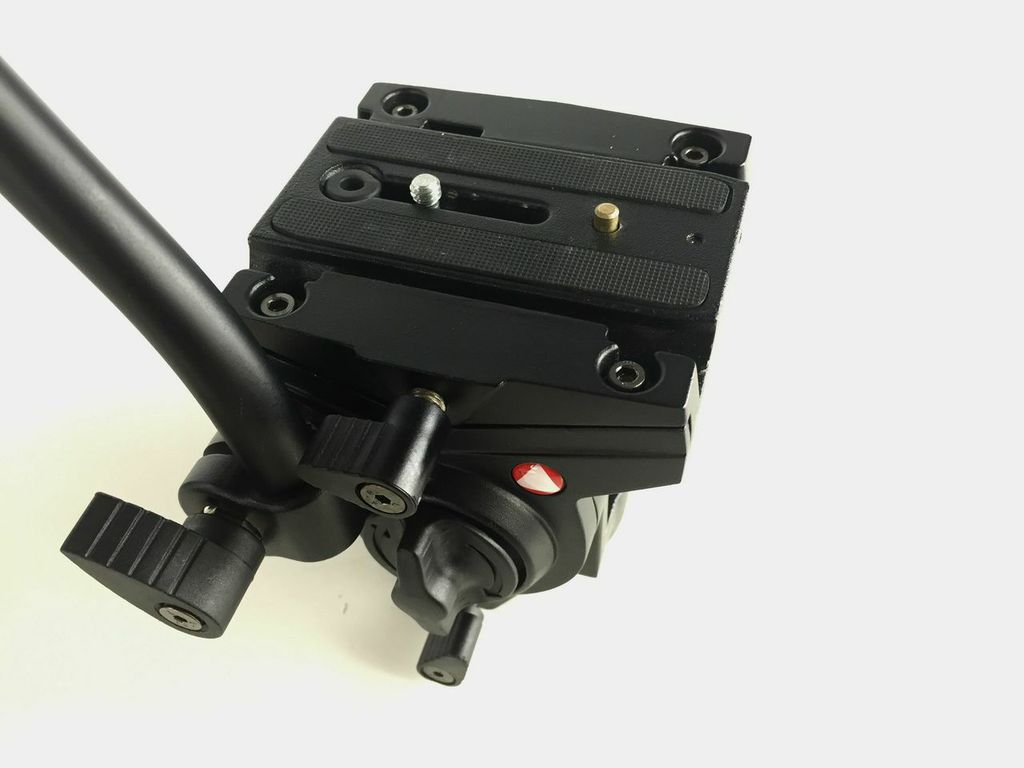
While this head may not be as smooth as the original 701HDV, the build is sturdy and perfect for tripods that are often set aside for a static angle, mounted to the end of a jib, used on a skater dolly, or even placed on a slider. All while still offering the compatibility of a Manfrotto 501PL plate.


 Tilta Armorman Gimbal Support Vest

 . Without tool-less adjustments and a super compact frame, balancing a camera for the 'first time' may take at least 10-15 minutes.
 |
|  |
|  body with a lightweight native lens (that you don't have to swap often), the
  , and while I thought this might be a task to get spares, I purchased
 . Today they've introduced the
  in the dryer and shrunk it. Looking at the video below, you get the feeling that it's not really being pushed as a serious camera for professionals, and are sort of marketing this as a perfect 'B-Roll' camera Cinema EOS operators, or a gateway camera for DSLR stills shooters looking to get into 4K video.

 card will run you about $180 dollars if you require 2.0 speeds. If all that is needed is 1.0, then the
  would be a better buy. Wouldn't it be great if they could just ouput the 4K from the sensor? From how they mention CFAST on video, I'm guessing they'll be limiting this feature too.
 as this is not a full frame sensor camera it works perfectly.
 which is not very cheap.

 is better than a
  that may spin loose from a 1/4" threaded mount, and then there is the benefits of speed assembling and disassembling rigs when using 15mm clamps.


 . It's Carry-On size makes it perfect for bringing your gear onto a flight without having to risk damage or having it lost from baggage handlers.
 , but noticed I was not using them as much. Once
  is customized, you really can't make use of the hard case for an entirely new set of equipment - unless you purchase new
 . Check out the video below.
 . You can find a full list of

 .
.
 for small batteries and media cards, or even
  to house and protect your small items like wireless receivers, cables, etc.


 . So much that the pan handles are interchangeable between the two heads, but of course the best part is that the